What Works Best for your Team? Automatic vs. Manual Time Tracking
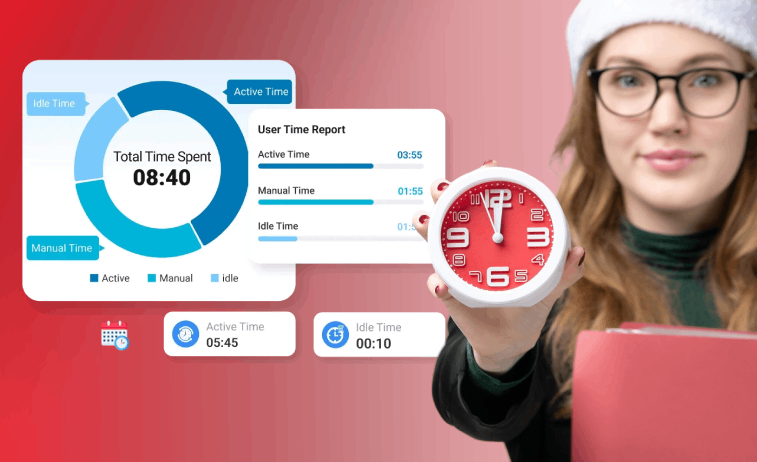
Effective time tracking is integral to comprehending the performance of your team. It doesn’t matter whether you are operating a business or directing a department; you need to track the time allocated to the tasks and projects. This brings about the question of whether it is better to use manual or automatic time tracking.
In this blog, you’ll learn the comparison between automatic vs. manual time tracking. It will give you an idea how automatic time tracking transforms work dynamics and enhances overall performance.
Why Do You Need Time Tracking?
Time tracking goes far beyond measuring how much time employees work. It helps make your work smarter while ensuring efficient resource utilization and driving accountability. Here are the major benefits of using time tracking.
Better Project & Workflow Management
Time tracking reveals the actual time taken for tasks and projects, thereby helping teams create accurate estimates for future work. The managers can analyze past data to predict time and resources for similar tasks. It also helps identify bottlenecks, highlighting areas where productivity is going slow, or where projects are taking longer than estimated.
Work Productivity Enhancement
Time tracking allows you to measure productivity, which has always been a matter of opinion until now. The manager could determine if the team is working effectively or not, and if the tasks have been shared evenly. This would also help the employees who would know their level of productivity, especially if something has sidetracked them.
Accurate Billing
This requires accurate time management, particularly in those projects that deal with clients, as billable time impacts the billing amount. Clients get accurate billing statements, which satisfy their requirement of getting fair compensation for the tasks completed.
In the absence of proper time tracking, you operate in the dark without knowing what your team is doing. You need to constantly hover over their shoulders to get visibility of their tasks. Now, we’re going to look at how automatic vs. manual time tracking works in the corporate sector.
Manual Time Tracking
This approach is the traditional method of tracking working hours. In the past, when there were no computers, it was done using paper sheets or large logbooks, and it is currently being replaced using Excel or Google Sheets.

Example
Consider, for instance, running your own small digital marketing firm, where your workforce interacts physically within an office as a closely bonded team. In such a case, the use of an Excel sheet to monitor their time spent on social media campaigns, content development, and meeting with your customers might be adequate without necessarily requiring any further advanced solutions.
The Benefits of Using Manual Time Tracking
Here are some of the advantages of using manual time tracking.
- Lower Cost: A lot of manual tracking techniques are either completely free or low cost. This makes it great for start-ups. For instance, if penny-pinching is an important consideration, alternatives for Microsoft Office exist that provide their own variation on the classic Excel experience for completely free.
- Flexibility: In traditional time-tracking, employee time can be recorded at their own convenience. This works well when dealing with irregular work, such as non-standard activities like creative, meeting, and those that might need to take place outside the office when automated time-tracking may not be possible.
Disadvantages of Manual Time Tracking
Now let’s discuss; you’ll learn the disadvantages of manual time tracking.
- Prone to Errors: It is likely that errors might happen if the work time is monitored by the employee himself. Such errors might include failing to clock in, miscalculations, or failing to log breaks.
- Consumes Valuable Time: Manually recording hours can pull attention from actual work. Writing down tasks and hours spent on them constantly can become an annoying task.
- No Immediate Visibility: Since the entries would be done manually, the time entries would be reviewed only after the end of the shift or the workweek. This would make it tough to identify and fix the problems on an immediate basis that could be done easily.
Automatic Time Tracking
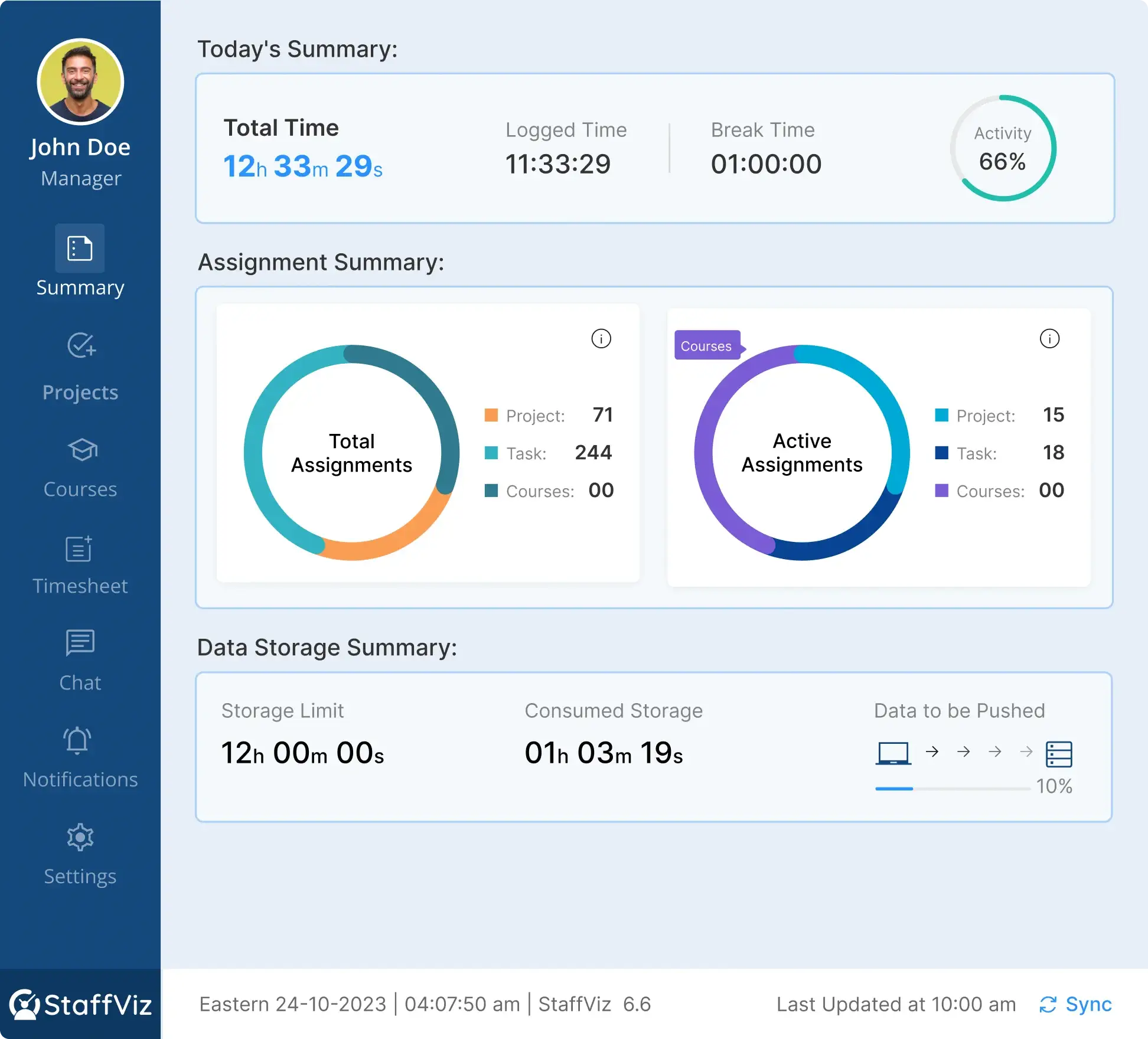
Automatic time tracking eliminates the drawbacks inherent in manual time tracking systems. The system, such as StaffViz, automatically records the activity of the workers as soon as they boot up their computer and log on to the system. This ensures accurate and timely tracking of time usage without the intervention of active work personnel.
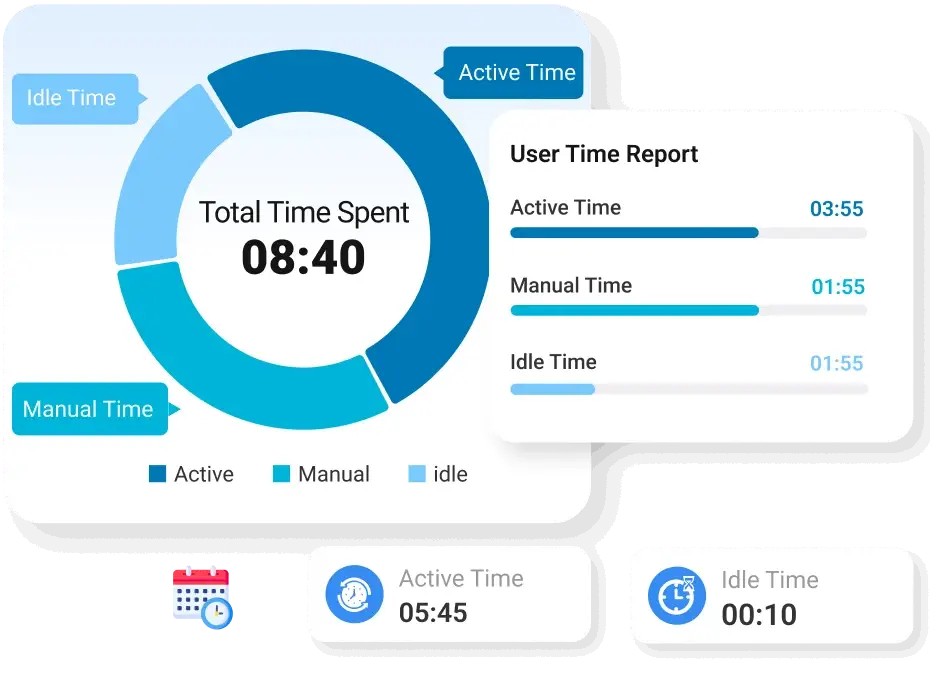
For instance, as a manager who handles a geographically dispersed team of software developers remotely, automated tracking enables you to accurately note the distribution of time allocated to work time, meetings, and idle time. This enables you to distinguish between working on important and less important tasks, like checking your emails. It would be difficult to achieve this in a world-wide work setup without automated tracking.
Benefits of Automatic Time Tracking
Let’s explore the key advantages offered by automatic time tracking.
- Greater Accuracy: Since the activities are automatically recorded, there is no scope for gaps in recording or incorrect recording of information, leading to accurate time information.
- Time-Efficient: Employees do not need to record their time because it tracks in the background unnoticed. This saves them from distractions and allows them to focus on valuable work.
- Instant Visibility: Managers can access the latest information on how time is spent on tasks and projects. This makes it easy to react quickly when the need arises.
- In-depth Reporting: Automated tracking provides in-depth reports that show work patterns, productivity, and areas in which processes can be improved.
Disadvantages of Automatic Time Tracking
Though there are many unique benefits to using time tracking, a few disadvantages are also associated with automated tracking.
- Higher Cost: Automated solutions may have a higher cost associated with them, but this cost may be offset by the increased efficiency generated by these solutions.
- Lack of Flexibility: The automated system is helpful in computer-related tasks but not useful when it comes to meetings, brainstorming, or physical labor.
As we have covered both time tracking tools, it’s time to introduce the criteria for choosing the proper tool for your team/organization.
Automatic vs. Manual Time Tracking: A Comparison
Manual and automated methods represent the most effective time tracking strategy in many cases. Thus, automated tools take care of regular computer-based activities, whereas manual entries can work for activities conducted away from the screen, like attending meetings, phone conversations, or creative discussions.
How to Choose the Best Time Tracking Solution for Your Team?
- Evaluate Your Workflow: Consider whether most work is done on computers or if there are significant offline activities. Many times, a blended approach will provide the best coverage.
- Team Size: Larger teams can expand more easily with automated tracking and enjoy real-time visibility not otherwise provided by a manual system.
- Weigh the Cost: The cost of manual tools may be lowered up front, but the automated solution can save tremendous time. Efficiency improves over time, along with much clearer data, offsetting the initial investment.
- Define Your Reporting Requirements: If real-time insight with detailed analytics is crucial, automated tools usually offer more robust reporting for understanding pattern workflows and productive patterning.
The best thing is that using both manual and automatic tracking doesn't have to be complicated, particularly if both tools are offered on one platform. Both manual and automatic tracking tools can be accessed in StaffViz, providing you and your team members with the ability to accommodate any work situation imaginable.
StaffViz is a powerful workforce management solution that offers:
- HR Management
- Training Management
- Payroll Management
- Project & Task Management
- Monitoring & Automated Time Tracking
- Productivity Analytics
- Live Dashboard
Book your free consultation today and explore the unique benefits of StaffViz.
Final Words: Choosing the Right Time Tracking Software for Your Team
Interestingly, the earliest clocks were sundials created by ancient Egyptian civilization. It’s obvious that the concept of knowing time has always mattered to human beings.
Currently, time tracking remains important in your quest to build a productive, organized, and responsible work setting. The decision on whether to make this happen using automated vs. manual time tracking would depend on several considerations, such as the size of your team, the setting in which you work, or budgetary allowances. In most scenarios, a combination of both would yield better results.
Ready to integrate a next-generation, workforce management platform to boost productivity? Contact StaffViz team for more information.
Frequently Asked Questions
What is automatic time tracking?
It is the process of using software or platform that records work hours and activities without requiring manual clock-ins, manual timers, or paper logs. It reduces effort and enhances efficiency while providing maximum visibility for projects and operations.
Can automatic tracking be intrusive to employees?
Automation of time tracking may cause issues if not clearly explained. It can be useful when done in a transparent manner for work activity and not for personal data.
Can time tracking be applied for creative roles or roles that do not generate billable hours?
Yes, it aids in understanding how time is being utilized on creative tasks, teamwork, and planning. It leads to workload balance and increased efficiency.
Does automatic time tracking improve staff productivity?
You can boost team productivity using automatic time tracking because it reduces manual entry, eliminate distractions, and delivers real-time insights which help staff members optimize their time and efficiency.
What factors should I consider when choosing between manual vs automatic time tracking?
You need to consider team size, task nature, and reporting needs. Remember, larger teams benefit from automatic tracking, while smaller teams may find manual tracking more cost-effective.
Effectively Manage Remote and Hybrid Teams with StaffViz
Enhance team efficiency and collaboration with StaffViz, the ultimate tool for managing remote and hybrid teams.
Talk To Us

I’m Tracey Taylor, a Content Strategist with over 4 years of experience in B2B and SaaS marketing. I’ve worked with companies like StreamlineREI and StaffViz to drive lead generation and business growth. Outside of work, I explore nature, read books, and play games to stay physically and mentally sharp.
Table of Content
- Why Do You Need Time Tracking?
- Manual Time Tracking
- The Benefits of Using Manual Time Tracking
- Disadvantages of Manual Time Tracking
- Automatic Time Tracking
- Benefits of Automatic Time Tracking
- Disadvantages of Automatic Time Tracking
- Automatic vs. Manual Time Tracking: A Comparison
- Final Words: Choosing the Right Time Tracking Software for Your Team
- Frequently Asked Questions